Planning tools
Sonic tools
These tools plan a stop. They do not place an order. Prices and calories are the same typical 2026 figures used on the menu pages, and a franchise can charge something else.
Open a card, add items, and read the total before you get to the stall.
On this page
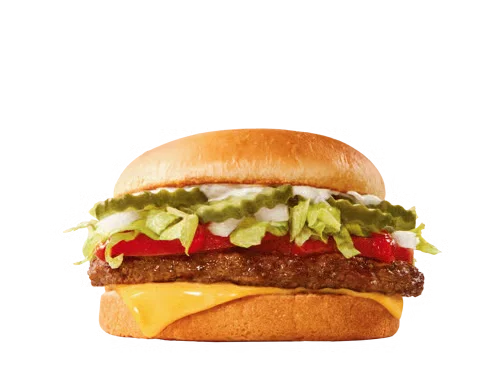 Calories
Calorie calculator
Add burgers, tots, drinks, and desserts. The total updates as you add each item.
 2–4 p.m.
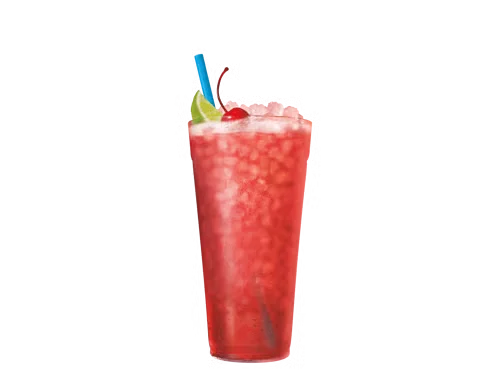
Happy hour calculator
See which drinks drop to half price, including a bag of ice, and which stay full price.
 Route 44
Drink builder
Pick a base, a size, and cherry, lime, vanilla, or real ice cream.
 Unofficial
Secret menu
Filter the orders people ask for. The stall can still say no.
This page is an independent guide. Confirm a location on Sonic Drive-In.
How the numbers work
Use the four planners when you want a number before the speaker.
The calorie counter adds a meal.
The afternoon price check shows which drinks drop between 2 and 4 p.m.
The flavor builder prices a medium, large, or Route 44 cup with add-ins.
The unofficial list explains nicknames the stall may not print.
None of these planners takes an order.
A franchise can charge a different total, drop a flavor, or skip a nickname.
Shakes, blasts, and food stay full price in the afternoon window.
Fountain drinks, fruit slushes, limeades, and a bag of ice are the items that can be half off.
Cream slushes are desserts.
Tax, a larger size, and an extra shot are not inside the first number you see.
If the board and a planner disagree, pay the board.
The figures on this page are typical 2026 planning numbers. A franchise can charge a different price, and a mix-in can change the calorie total. Use the result before you order, then confirm it at the stall.